

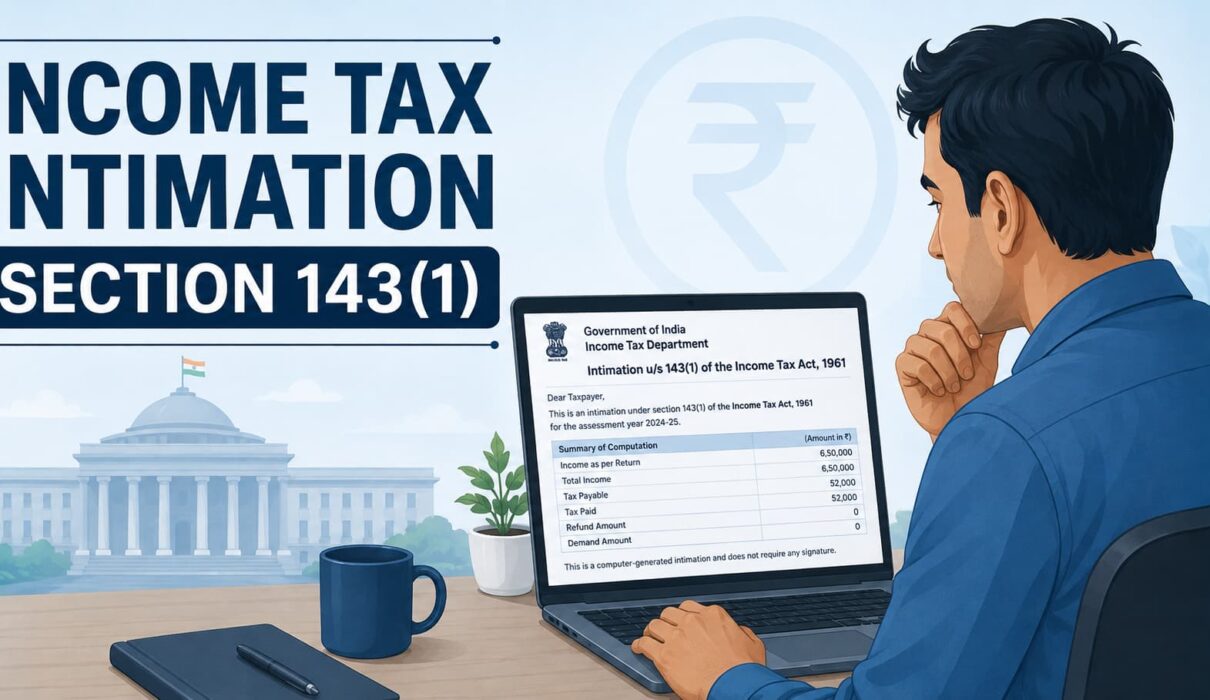
Income Tax Intimation Section 143(1) landed in my inbox last year, about six weeks after I filed my return, and I’ll be honest, I stared at the subject line for a good two minutes before opening it.
Turns out it was nothing. No demand, no issue, just a confirmation that everything I filed matched what the system had. But by then I’d already asked three friends what it meant, and none of them really knew either.
So I figured I’d write this down properly, in language that actually makes sense, for anyone else who opens this email and immediately assumes the worst.
What Is Section 143(1) Intimation, In Plain Words

Here’s the simplest way to put it. When you file your ITR, a human being doesn’t sit down and read it line by line, at least not at this stage.
A computer system does the first pass. It takes the numbers you entered and checks them against what’s already on record, things your employer reported, what your bank shared, all of that data sitting in Form 26AS and the AIS.
Once the system finishes comparing, it spits out a summary and emails it to you. That summary, that’s your Section 143(1) intimation.
It’s really just a receipt. Nothing more. You submitted something, the machine checked it, and now it’s telling you what it found.
A lot of people assume it’s some kind of legal notice, or that it means an investigation has started. It’s not that at all. It’s fully automated and almost everyone who files a return gets one, every single year, without exception.
Why Did You Get This Intimation?
Honestly? Because everyone does. There’s no shortlist of “suspicious” taxpayers who get flagged for this.
Most of the time it just confirms your return exactly as filed, with zero changes. That was my case too.
But sometimes it flags a mismatch between what you reported and what the department already had on file from other sources.
What Usually Causes a Mismatch
- TDS in Form 26AS not lining up with what you claimed
- A deduction under 80C or 80D that got calculated a bit differently
- Bank interest you simply forgot to add while filing
- A typo, or a figure that got entered wrong
- Advance tax paid but not showing up correctly in the system
None of this is unusual, and it’s rarely your fault entirely. You’re filling in numbers from your own records, while the system pulls its data from third parties. Sometimes those two just don’t sync up perfectly.
If you don’t fall into any of these categories, great, your intimation will just confirm everything’s fine.
How Do You Actually Read the Income Tax Intimation Section 143 1?

It usually shows up as a PDF attached to an email. Also worth checking, it’s saved on the e-filing portal too, in case the email slips into spam (mine did, actually).
Open it up and you’ll see two columns sitting side by side.
Column A is what you filed. Column B is what the system worked out on its own.
Now here’s the part that actually matters, scroll down to the bottom. There’s one line there that tells you the real outcome, refund, demand, or nothing at all.
Everything above it is just the department showing its working. That one line at the end is the answer you’re actually looking for.
What To Do After Section 143(1) Intimation

This part depends completely on what that bottom line says. Three things can happen here.
If There’s a Demand
Don’t panic, and please don’t just pay it without checking first.
Go through Column A and Column B carefully. See exactly where the numbers don’t match.
If it checks out and the demand is genuinely correct, pay it through the e-filing portal within the window mentioned in the notice.
But if you’re confident your figures were right, maybe you did claim that deduction correctly, or your TDS numbers are accurate, you don’t have to just accept it. File a rectification request under Section 154 and lay out the discrepancy.
If There’s a Refund
This is the one everyone’s quietly hoping for.
And the good news is, you literally don’t have to do anything. No forms, no follow-up calls.
It usually shows up in your bank account within a few weeks, assuming your account is pre-validated on the portal. If it’s not validated, that’s almost always what causes the delay.
If Nothing Changed
Honestly, this is the best outcome, even though it sounds boring.
It just means your return got accepted exactly as you filed it. No demand, no refund, nothing left for you to do. Close the tab and get on with your day.
Checking Your Intimation Online

If you don’t want to wait for the email, and honestly, who does, you can check it yourself.
Log into the official Income Tax e-filing portal, go to e-File, then Income Tax Returns, then View Filed Returns.
Select the assessment year you’re looking for, and the intimation should be right there, ready to download.
Not sure what a number in the notice actually means? Pull up your Form 26AS online first and compare the two. That usually clears things up faster than staring at the PDF alone.
Mistakes I’ve Seen People Make With This Notice
The most common one, deleting the email without even opening it. Even when there’s no demand, it’s worth a quick glance, just so you know for sure.
Second one, paying a demand without checking if it’s actually right. Not every demand the system raises is accurate. Sometimes it’s just a deduction that wasn’t factored in properly, and a rectification fixes it without you paying anything extra.
And then there’s the opposite problem, sitting on a genuine demand for months, hoping it disappears. It won’t. Interest just keeps piling up, and dealing with it later is always messier than dealing with it now.
Questions People Keep Asking Me
Is This the Same as a Scrutiny Notice?
Not even close. Section 143(1) is a routine, automated summary that basically everyone gets. Scrutiny is a completely different process, far rarer, and reserved for cases the department actually wants to look into more closely.
What Happens If I Just Ignore It?
If there’s no demand, ignoring it won’t really hurt you. But if there is one and you sit on it, interest builds up, and eventually it gets treated as outstanding tax.
How Long Does It Usually Take to Arrive?
No fixed timeline, honestly. Mine took about six weeks. I’ve heard of people waiting closer to two months. Just be a little patient.
Can You Get More Than One for the Same Year?
Usually just one, the primary intimation. But if you filed a revised return, or asked for a rectification, you might get a second one specific to that update.
Final Word
Income Tax Intimation Section 143(1) looks intimidating the first time it shows up in your inbox, all that formal language and government letterhead doesn’t help. But once you actually understand what it is, it stops being scary.
It’s just the department confirming what happened after checking your return automatically. Read the two columns, check that bottom line, and only act if something genuinely looks off.
Most of the time, like mine, it’s just a formality closing out your filing for the year. Open the email, read it properly, and you’ll probably realize there was nothing to worry about in the first place.